Metadata Is Not
Visibility.
Four steps. No retainer, no subscription, no agency required.
Find the gap your SEO plugin leaves
Yoast, Rank Math and AIOSEO write your titles, descriptions and sitemap, and stop there. None of them tells you where you rank across your service area, whether your Google Business Profile agrees with your website, or whether an AI assistant can work out what you do. That is the gap Livable SEO, Local and Geo cover.
See the ComparisonDownload the free plugins
Livable Local, Livable SEO, and Livable Geo are free downloads on livableforms.com. Enter your name and email, accept the download terms, and download the plugins you want.
See the PluginsInstall and connect your keys
Upload the plugins to WordPress and activate them. Each plugin connects to the data provider you already use (DataForSEO for local data, Perplexity for scans, OpenAI for AI visibility) with your own key, at provider cost.
Fix, track, and improve
Scan pages and apply one-click fixes with rollback. Watch your map-pack rankings on a live geo-grid. Keep your GBP and citations consistent. Score how clearly ChatGPT, Perplexity, and AI search understand your business, and improve it, all from your own admin.
The Stack You End Up Owning
Three free WordPress plugins, each covering a front your competitors are probably ignoring.
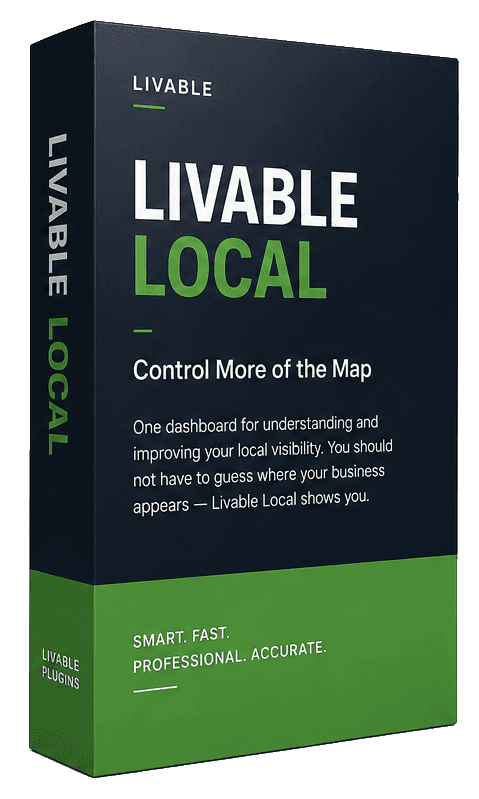
Livable Local
Tracks the map pack
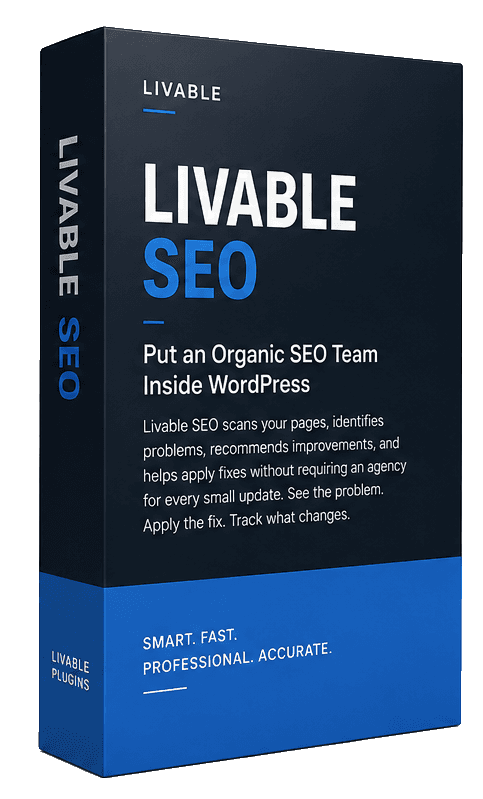
Livable SEO
Fixes your pages
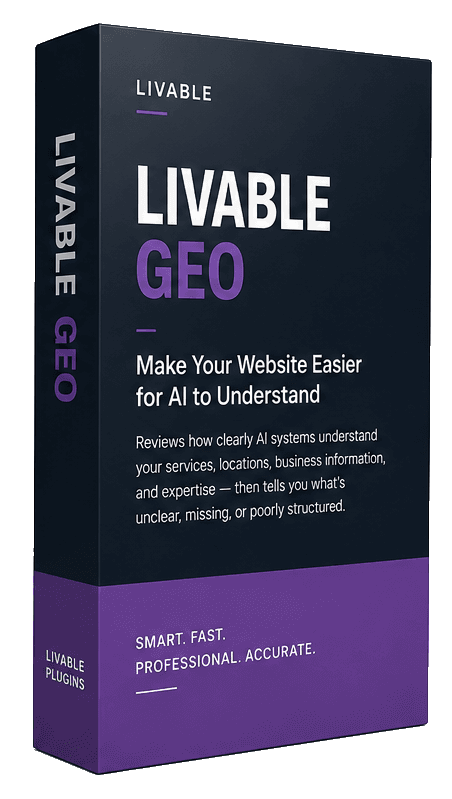
Livable Geo
Makes you readable to AI
What You End Up With
Add The Whole Visibility Layer, Free
Three free plugins. Keep the metadata plugin you already run. When a problem needs more, Livable's paid specialist plugins are one-time purchases.